

How the remote I-9 process works
The remote I-9 process is the official alternative procedure that lets E-Verify employers verify employment eligibility documents without requiring new hires to appear in person. Available for new hires starting August 1, it replaces the physical document inspection requirement with a structured digital workflow that must be completed within a few business days of an employee's start date.
Here is what the process looks like in practice:
- The employee transmits copies of their I-9 documents to the employer electronically, including front and back for two-sided documents.
- The employer reviews those copies to confirm they appear genuine and relate to the employee.
- The employer conducts a live video interaction with the employee, who must present the same documents on camera.
- The employer checks the alternative procedure box in Section 2 of Form I-9 (or annotates "alternative procedure" in the Additional Information field on older form versions).
- The employer retains legible document copies and makes them available for any government audit.
To use this procedure at all, your organization must be enrolled in E-Verify and remain in good standing. That enrollment must cover the specific hiring site where you apply the remote option.
Pro Tip: Apply the remote procedure consistently to every eligible employee at a given hiring site. Selective application based on an employee's citizenship, immigration status, or national origin is prohibited under federal anti-discrimination rules.
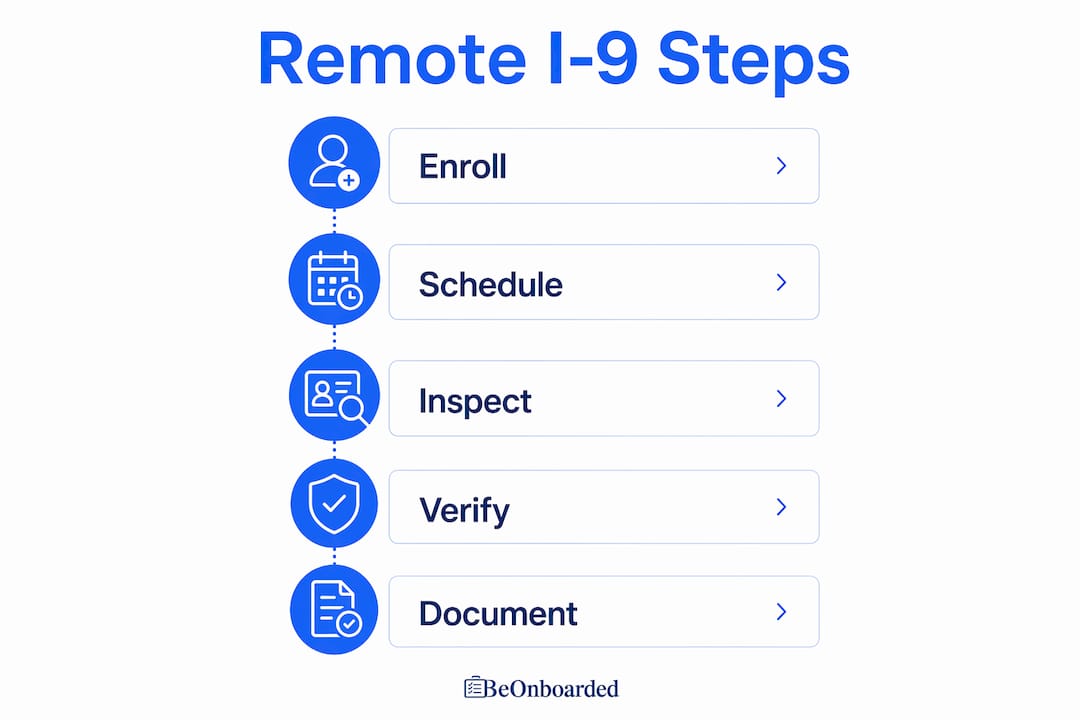
Table of Contents
- Compliance risks you need to know before going remote
- Best practices for implementing remote I-9 verification
- How Webeonboarded supports remote I-9 and digital onboarding
- Key Takeaways
- Webeonboarded makes remote I-9 compliance manageable
Compliance risks you need to know before going remote
Remote I-9 verification reduces logistical friction, but it introduces a distinct set of compliance pressures that in-person inspection does not. The core tension: you are assessing document authenticity through a screen rather than holding the document in your hands. That gap creates real exposure.
Common compliance pitfalls HR teams run into:
- Failure to annotate Form I-9 correctly. Missing the alternative procedure notation in Section 2 is one of the most common errors during federal audits.
- Inconsistent application across a hiring site. Applying the remote option to some employees but not others at the same location, without a documented non-discriminatory rationale, violates USCIS guidance.
- Lapsed E-Verify enrollment. If your organization falls out of good standing in E-Verify, you lose eligibility for the remote verification option entirely.
- Inadequate document retention. Federal inspectors can demand copies of retained I-9 documents during an audit. Blurry scans, missing pages, or disorganized storage can trigger penalties.
- Forcing employees into remote verification. Employees who prefer in-person document examination must be accommodated. Denying that option is a compliance violation.
The legal stakes are not abstract. Noncompliance can result in fines, forced audits, and immediate production demands for retained document copies. Sidley Austin LLP has noted that the permanent remote option also increases administrative complexity around E-Verify maintenance and recordkeeping, particularly for employers managing multiple hiring sites.
Virtual document inspection also makes it harder to spot sophisticated forgeries. A physical document has texture, holograms, and security features that a video call simply cannot replicate. That reality makes HR training non-negotiable, not optional.
Best practices for implementing remote I-9 verification
Getting the remote I-9 process right comes down to three things: consistent policy, trained staff, and documented workflows. Here is how to build all three.

Build a written policy first. Before your first remote hire goes through this process, document exactly how your organization applies the alternative procedure, which hiring sites are covered, and how exceptions are handled. A written policy protects you if the process is ever audited.
Train HR staff on video verification techniques. E-Verify tutorial completion is mandatory for new enrollees, and existing HR staff should retake training whenever USCIS updates its guidance. Video-based document review requires specific skills: knowing which security features to look for on a driver's license or passport, how to direct the employee to hold the document on camera, and what to do when something looks off.
Key implementation steps:
- Create an instruction packet for new hires explaining what documents to prepare, how to upload copies, and what to expect during the live video session.
- Use a secure upload portal, not email, for document transmission.
- Schedule the live video verification before the employee's start date when possible, so the three-business-day clock does not become a scramble.
- Confirm E-Verify case creation for each new hire immediately after the video session.
- Inform every new hire in writing that they have the right to request in-person examination instead.
Pro Tip: Digital onboarding platforms that include automated reminders, secure document storage, and E-Verify integration take most of the manual tracking off your plate. The three-business-day deadline is easy to miss when you are managing a high-volume hiring period.
Centralizing the process also helps with the consistency requirement. When every remote hire at a given site moves through the same digital workflow, you eliminate the ad hoc decisions that create discrimination exposure.
How Webeonboarded supports remote I-9 and digital onboarding
Managing remote I-9 compliance manually, across spreadsheets, email threads, and calendar reminders, is where errors happen. Webeonboarded is built specifically to remove that friction.
The platform gives HR teams a centralized hub for the entire remote onboarding workflow. Document collection happens through a secure new hire portal, not an inbox. Task assignments and automated reminders keep the three-business-day window on track without anyone having to chase it manually. Multi-admin roles mean your team can divide responsibilities across hiring sites without losing visibility into completion status.
Key benefits for HR teams managing remote I-9 verification:
- Secure document uploads with organized retention, audit-ready from day one.
- Automated task reminders tied to hire dates, so deadlines do not slip.
- Analytics dashboard showing completion rates and compliance status by department.
- Reusable onboarding templates that standardize the remote I-9 workflow across every hiring site.
- Unlimited employee integration across all plans, so volume hiring does not create a cost spike.
| Feature | What it does for remote I-9 compliance |
|---|---|
| Secure document portal | Replaces email with an organized, retention-compliant upload system |
| Automated reminders | Flags approaching three-business-day deadlines before they become violations |
| Analytics dashboard | Tracks I-9 completion rates and outstanding tasks across departments |
| Multi-admin roles | Distributes oversight across hiring sites without losing centralized visibility |
| Reusable templates | Standardizes the remote verification workflow for every new hire |
Webeonboarded was built by a U.S. Marine Veteran with the kind of process discipline that HR compliance actually demands. The platform serves both HR administrators and new hires, so the experience on both sides of the workflow is clear and structured. For teams running high-volume remote hiring, that two-sided design is what keeps the process from breaking down at the employee end.
Key Takeaways
Remote I-9 compliance requires E-Verify enrollment, a live video inspection within three business days, correct Form I-9 annotation, and consistent application across every employee at a hiring site.
| Point | Details |
|---|---|
| Three-business-day rule | Live video verification and document review must be completed within three business days of the employee's start date. |
| E-Verify enrollment required | Only employers enrolled and in good standing in E-Verify may use the remote alternative procedure. |
| Consistent application | The remote procedure must apply to all employees at a hiring site; selective use based on employee characteristics is prohibited. |
| Annotation and retention | Form I-9 must note the alternative procedure, and legible document copies must be retained and available for federal audit. |
| Webeonboarded | The platform centralizes document collection, automates deadline reminders, and provides audit-ready compliance tracking for remote I-9 workflows. |
Webeonboarded makes remote I-9 compliance manageable
Remote I-9 verification adds real compliance weight to an already demanding onboarding process. Webeonboarded gives HR teams the structure to handle it without the manual overhead.
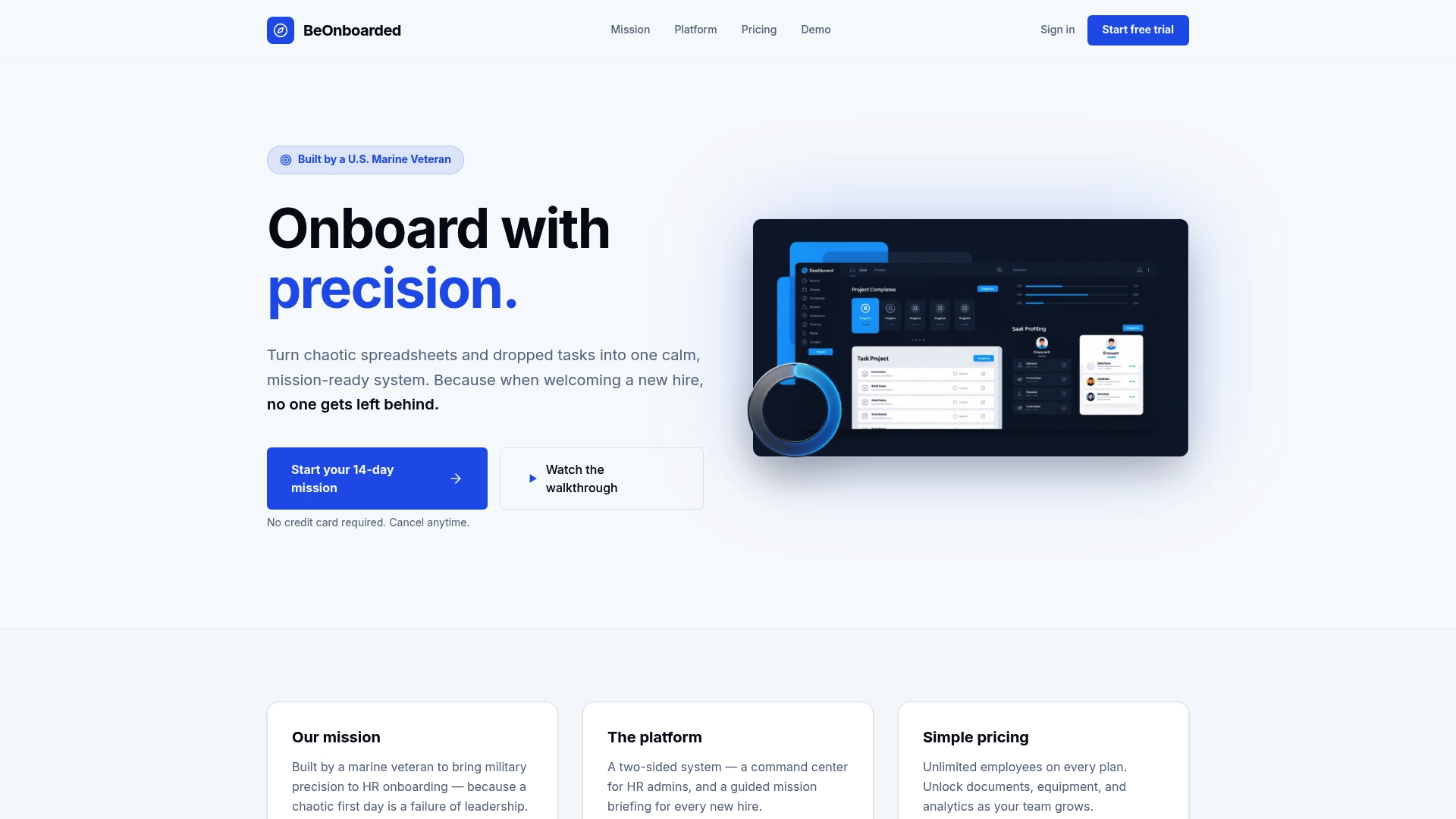
Every feature on the platform, from secure document uploads to automated reminders and a real-time analytics dashboard, is designed around the kind of deadline-driven, audit-ready workflow that remote I-9 compliance requires. Unlimited employee integration means the system scales with your hiring volume, and reusable onboarding templates keep your process consistent across every hiring site.
Built by a U.S. Marine Veteran who understands what operational precision actually looks like, Webeonboarded handles the administrative complexity so your team can focus on getting great people started the right way. Start your 14-day free trial and see how much cleaner your remote onboarding process can run.